Live TV
Channels streaming as they air, with an on-screen TV guide on players that support EPG.
Tens of thousands of live channels, a massive film and series library and PPV events in HD, FHD and 4K. One prepaid plan, the devices you already own and a team on WhatsApp whenever you need them.
No fine print and no “premium pack” upsells. These figures describe what every single plan includes, from one month to twelve.
Zorba IPTV is television delivered over the internet. Instead of a satellite dish, an aerial or a cable running into the wall, your TV, phone or computer pulls each channel or film from our servers the moment you choose it. That is why an IPTV catalogue can be so much larger than a traditional TV package: nothing is limited by how many channels fit into a broadcast signal.
You do not need new hardware or an installer. You install an IPTV player app, we send you your login, and you are in. Plans are prepaid, so you know exactly what you are paying and for how long, with no rolling contract waiting to catch you out.
And when something does not work the way you expect, you are one WhatsApp message away from a real person who can sort it out. Meet the team behind Zorba.
Same features on every plan. Short or long, you get all of it.
Pick the quality that fits each screen. HD is light on bandwidth for phones, Full HD is the everyday sweet spot, and 4K brings out the detail on large TVs wherever a channel or title is available in 4K.
News, entertainment, movies, music, kids, documentaries, sport and international channels from many countries, grouped by region and genre so you can jump straight to what you want.
A huge on-demand catalogue for the nights live TV does not cut it. Play, pause and pick up later on players with resume support. Binge a full season or settle into a film.
Pay-per-view event channels are part of the deal. When a big fight or special event is on the schedule, look in the PPV group. Zorba does not charge an extra event fee.
Smart TVs, Fire TV, Android and MAG boxes, Apple TV, iOS and Android phones, tablets, Windows and Mac. We recommend a player that suits each one.
Pre-sale questions, installation, a channel acting up at 2 a.m. or a renewal: one WhatsApp number, staffed by people, all day and all night.
Content is split into clear sections, so getting from the headlines to a blockbuster or a live match takes just a few clicks.
Channels streaming as they air, with an on-screen TV guide on players that support EPG.

Action, comedy, horror, drama, family and classic films, sorted by genre and ready on demand.
Full seasons episode by episode. Catch up, rewatch or start the show everyone keeps recommending.
Sports channels plus a PPV group for scheduled events. Availability depends on each event, so check closer to the date.

Cartoons and family viewing in their own corner. Lock adult categories in your player with a PIN.
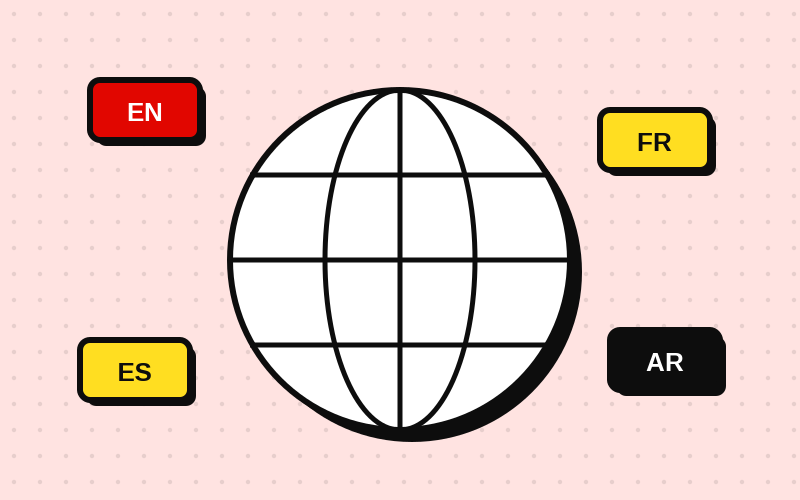
Channels in many languages, organised by country. Great for expats and bilingual homes.
Four lengths, identical features. Go longer and the monthly price drops. Hit Buy Now and WhatsApp opens with your order already written.
Test drive
Quarter pass
Half-year pass
Full-year pass
Prices in USD · prepaid · no automatic renewal · full details on the Zorba IPTV pricing page
Zorba IPTV works through IPTV player apps rather than a special receiver, and those apps exist for almost every TV platform, phone and computer around today. Most people start on the main TV, either straight from the smart TV’s app store or with a cheap streaming stick, then add a phone or tablet for the rest of the house.
When you order, tell us what you are watching on. We will send your login in the right format (username and password, playlist link or portal for MAG boxes) and point you to a player that works well on that device right now. Older or unusual hardware? Send us the model first and we will tell you straight whether it is up to the job.
Guides: Android phones & tablets · several TVs at home.
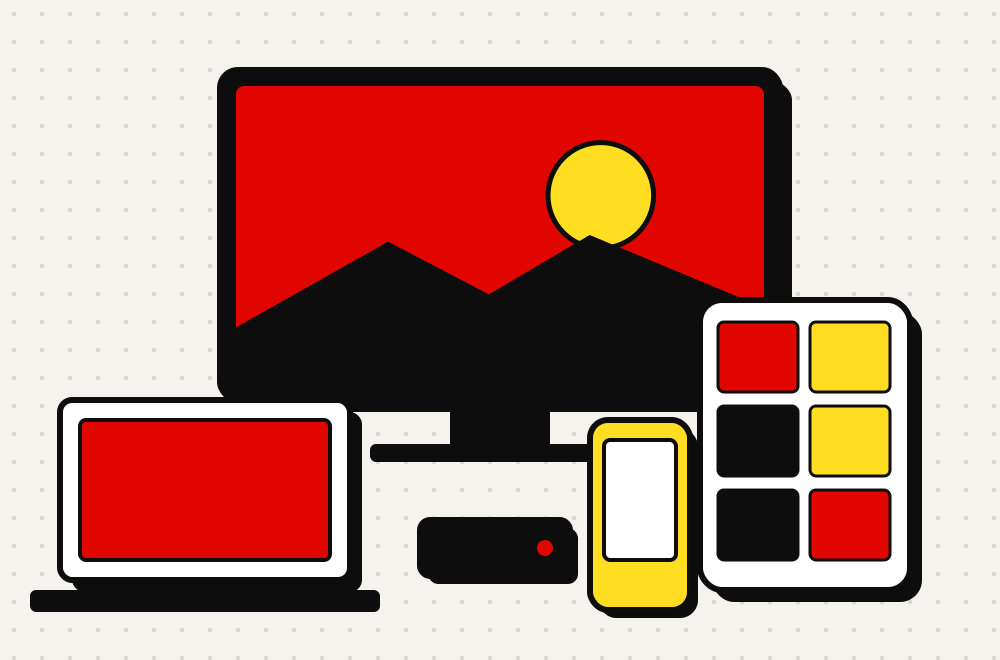
No paperwork and no technician. It all happens in one WhatsApp chat, and you can ask questions at every step.
Choose a plan on the pricing page and tap Buy Now. Your order is pre-written; add your device and send.
We share the payment methods available where you are. Once paid, you receive your login and instructions for your device.
Install the player, enter your details and start watching. Stuck on a screen? Send a photo and we will guide you through it.
A server address, username and password. Works with most modern IPTV players and is the format we send most often.
A single playlist URL that loads the channel list. Handy for players that ask for one link, sometimes with a separate EPG link.
For MAG and similar boxes. You send us the box’s MAC address, we activate it, and you add our portal URL in the box settings.
A huge line-up can feel like a lot on day one. Spread these small jobs over your first week and you will end up with a setup that feels made for you.
Get the player running on your main TV, sign in and let the full channel list, library and TV guide load. Watch something. That’s it for today.
Spend ten minutes starring the channels you actually watch. Build separate lists for news, sport or kids if your player allows it.
Hide the countries and genres nobody in the house watches, and set a parental PIN on any categories you want locked.
Switch your TV to Movie or Cinema mode and turn down sharpness. Our picture settings guide takes five minutes.
Add Zorba to a phone, tablet or second TV, using the same player so it feels familiar everywhere.
Dig into the on-demand library and the PPV group. Add films and series you spot to favourites for later.
Anything buffering, missing or confusing? Send us a quick WhatsApp message and we will fine-tune things with you.
Sit back. Restart your stick or box now and then, keep the player updated, and enjoy.
The menu in your player is split into three kinds of content. Knowing how each one works explains why they behave a little differently and why some need more from your connection than others.
| Live channels | Movies & series (VOD) | PPV channels | |
|---|---|---|---|
| How it plays | As it is broadcast | Whenever you press play | During the scheduled event |
| Pause & resume | Depends on player | Yes, on most players | Depends on player |
| TV guide (EPG) | Yes, for many channels | Not needed | Event listings vary |
| Sensitivity to buffering | High: can’t wait to catch up | Lower: player can pre-load | High: live event |
| Best connection | Wired or strong 5 GHz | Any stable connection | Wired or strong 5 GHz |
Most 4K streams are compressed with the H.265 (HEVC) codec, which squeezes four times the pixels of Full HD into a manageable amount of data. Your device has to decode that in real time. If an older stick or TV lacks hardware HEVC support, 4K can stutter even on a fast line while HD plays perfectly. When in doubt, check that your device lists 4K and HEVC in its specs, or ask us.
A lot of half-truths get passed around about IPTV. Here are the ones we hear most, and what is actually going on.
Speed helps, but stability matters more. Weak Wi‑Fi in the TV room causes far more buffering than a slow plan. A network cable often fixes what a pricier plan cannot.
On a phone or a small TV, Full HD looks almost identical and uses far less bandwidth. 4K earns its keep on large screens viewed from a normal sofa distance.
Most smart TVs, streaming sticks, phones and computers can run an IPTV player. A dedicated box is optional, useful for older TVs or if you want a wired connection.
Each channel comes from its own source, so occasionally one has a temporary issue while the rest play normally. Try another channel, and tell us which one misbehaves.
Each way of getting TV has trade-offs. Satellite reaches almost anywhere but needs a dish and can be disrupted by heavy rain or snow. Cable is dependable but tied to your address and often a contract. Here is how Zorba IPTV compares on the practical stuff.
| Zorba IPTV | Satellite dish | Cable box | |
|---|---|---|---|
| Getting started | Install an app | Dish install and alignment | Line activation, box delivery |
| Moving house | Take it with you | Reinstall the dish | Transfer or cancel the line |
| Extra rooms | Add a stick, phone or tablet | Extra receivers, cabling | Extra boxes, often a fee |
| Films & series | 70,000+ on demand | Varies by package | Varies by package |
| Weather | Not affected by weather | Heavy rain can disrupt signal | Not affected |
| Internet needed | Yes, stable broadband | No | Usually no |
The bottom line: if your broadband is solid, IPTV gives you more channels, more on-demand content and far more flexibility for a fixed prepaid price. If your connection is shaky, sort that out first, and talk to us before you buy.
Most hiccups have a quick fix. Run through this before messaging us, and if it is still not right, we are on WhatsApp 24/7.
Restart the device and router, switch to the HD version of the channel, and move to a cable or 5 GHz Wi‑Fi. Our multi-room guide covers home network tips.
Copy and paste your details again, with no spaces at either end, and check you picked the right login type (Xtream and M3U are different fields).
Change the TV from “Vivid” to “Movie” or “Cinema” mode and turn sharpness down. See our picture settings guide.
Refresh the EPG in the player’s settings. Some channels have no guide data, which is normal.
Switch the player’s decoder between hardware and software, or try a lower-quality version of the channel.
Send us your device, player name and a photo of the screen. Message support.
Zorba IPTV is an internet TV subscription. Once activated, an IPTV player app on your device shows our live channels, on-demand films and series, and PPV channels, all streamed over your normal broadband connection.
A device that can run an IPTV player (smart TV, Fire TV Stick, Android or MAG box, Apple TV, phone, tablet or computer), an internet connection of about 10 Mbps or more, and an active Zorba IPTV plan.
No, and we won’t pretend otherwise. Streams come in HD, Full HD and 4K depending on the channel or title. Watching in 4K also needs a 4K screen, a capable device and roughly 25 Mbps.
Hit Buy Now on any plan. WhatsApp opens with your order typed out. Send it, and our team replies with payment options for your country, then sends your login and setup steps once you have paid.
Never. Every plan is prepaid for a fixed period and stops on its own. Renewing is always your call.
Message us on WhatsApp at +212 689 175 486. We help with setup on every supported device, any time of day.
Straightforward guides from our support team, built around the questions customers ask us most.
Guide · 7 min read
Turn your Android phone or tablet into a pocket TV. Install, sign in, cast to the big screen and keep data use under control.
Read it →Guide · 7 min read
Living room, bedroom, kitchen: here is how to plan devices, bandwidth and logins so every TV in the house runs smoothly.
Read it →Guide · 8 min read
Most TVs ship with settings designed for showroom floors. A few changes make films, sports and live channels look far more natural at home.
Read it →Pick a plan, tap Buy Now and our team will get you streaming on your device, start to finish.